
📸 Day 3 - Take me back...
Nostalgia as a tool for creativity - today we organise some photos...

Our obsession with holding onto the past for fear of the concept of real time keeps us feeling heavier than we need to be, let’s cut some weight!
Sometimes I write from a place of nostalgia - a lot of the sharp details are gone but the visceral feeling is still there. I find myself crying behind my sunglasses in our local coffee shop often… I can access deeply personal stories, memories without any photo evidence whatsoever.
I don’t have a video of my Grandad and I wish I did.
He passed away in 2019 - it’s only 7 years ago…
Memories and our connection to the digital versions is impossible to catch up with… and I guess when we accept that it feels more fun to curate, create and take control of our digital footprint and use our photos creatively in our work?
💌
Let’s get organised…
Today - we have a fun exercise - we’re going to organise photos from the last month into files on our phone and our desktop.
You don’t have to feel overwhelmed although it is overwhelming - you just have to start a new creative practise that will feel soothing to keep up with and help keep everything in order…
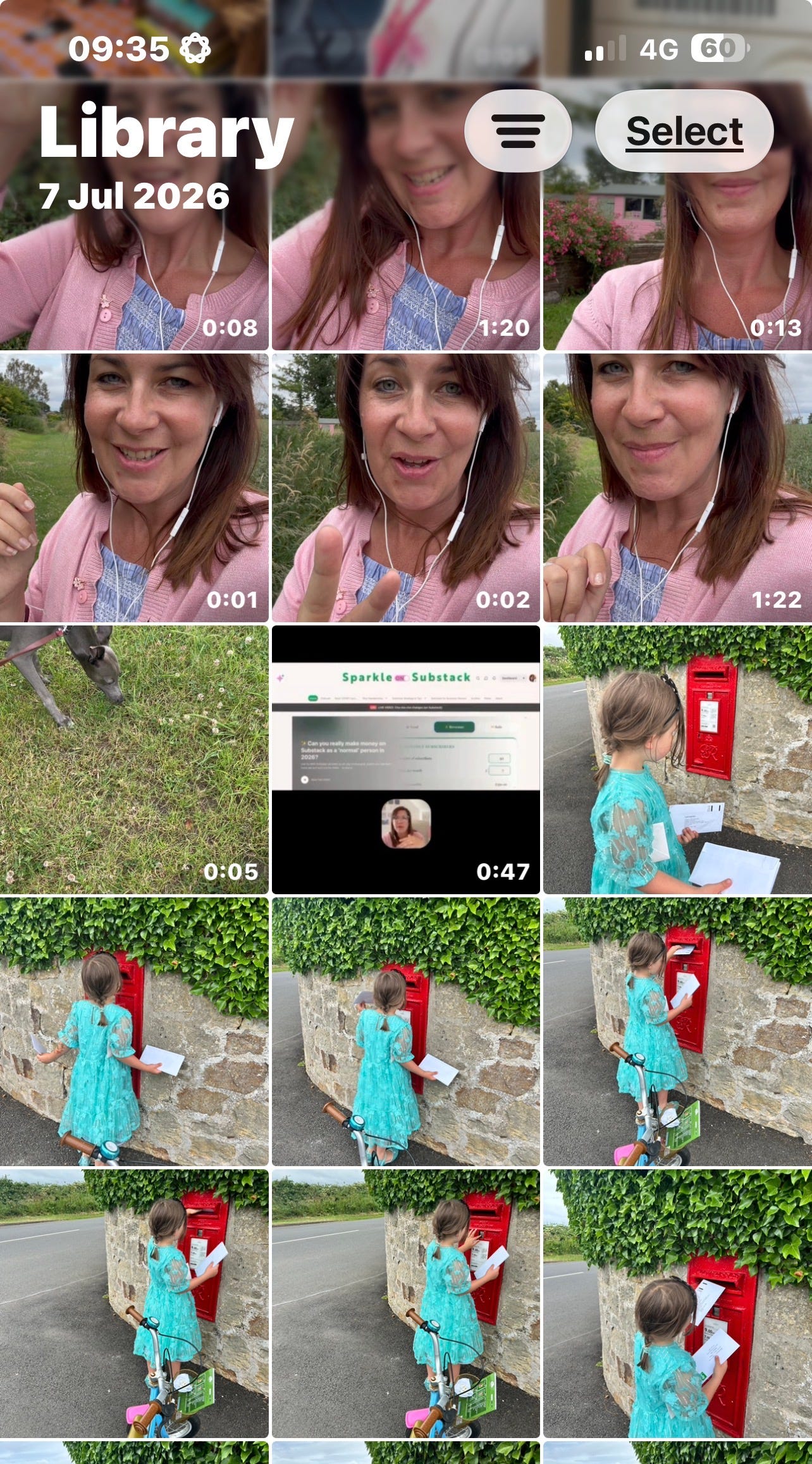
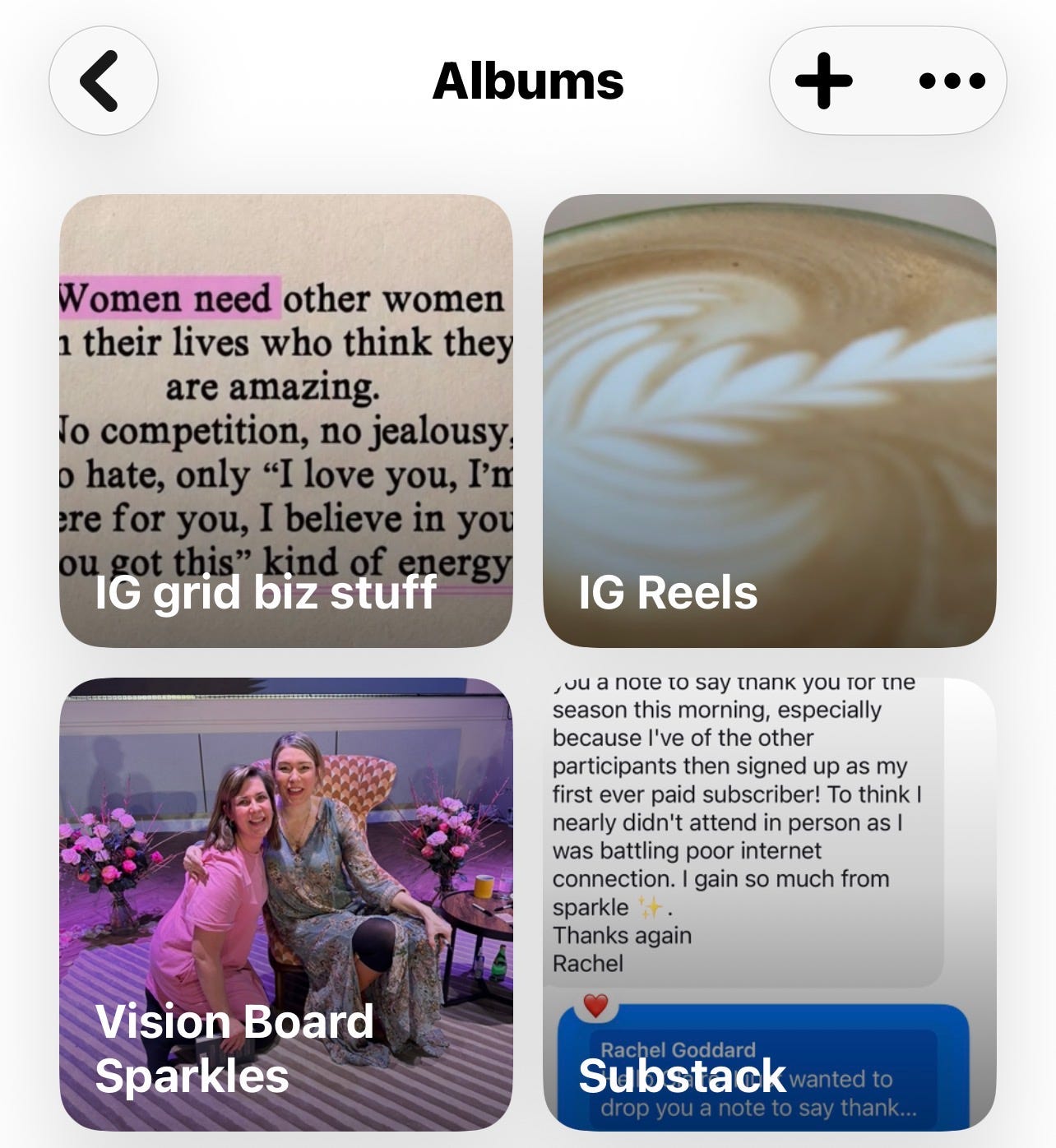
Here’s what to do…
Use the favourites button for any photos you might use across socials and in your work online on your Substack and website.
Go to screenshots - if you’re happy to - delete the entire file. If not - you want to go through and favourite the testimonials/ screen shots of client messages. Observe what else is in there to come back to.
Go to ‘duplicates’ - mine are all substack download assets so I deleted 514 of those.
Screen recordings - I deleted these. I do not need to collect evidence of my working process.
Create a folder - ‘to print’ - add photos to it often.
On your laptop…
Airdrop some of your favourites to a desktop folder and call it ‘Work Pics’ or ‘Photos for Substack’ or similar so you have ease of access when you need a photo for your Substack.
If you’re using claude co-work you can plug it into the folder and ask it to re-name all the photo files to be SEO friendly based on your keywords.
And there we have it - a little bit of photo organising - a way to keep things in order and get rid of some old stuff we don’t need.
I also upload my iphone albums to google photos as I love the searchability there… it’s getting full again and I think I pay £15 ish a year for storage.
Let me know how this one lands and how you feel?
Any questions just shout…
Claire
P.S - My year long photography exchange project - The Magic Mundane with Sarah Shotts (they/them) is here - https://sarahshotts.com/the-magic-mundane/

I love looking back through old photos AND clearing space for new ones - hope you guys enjoy today.
I already have albums for each month- very useful when I need a timely garden/ plant pick for Substack. But I don’t put any time in my diary to actually add new images to them. Love the idea of the screenshots and duplicate deletion! Xx